
How to Launch Your AI Character on Joi
Get Started
To join, you’ll need to be 18+ and have an audience or know how to drive traffic. We provide the platform and creator tools. You bring the fans.
How to Launch
- Create your account. Sign up at creator.joi.com and complete your profile and verification details.
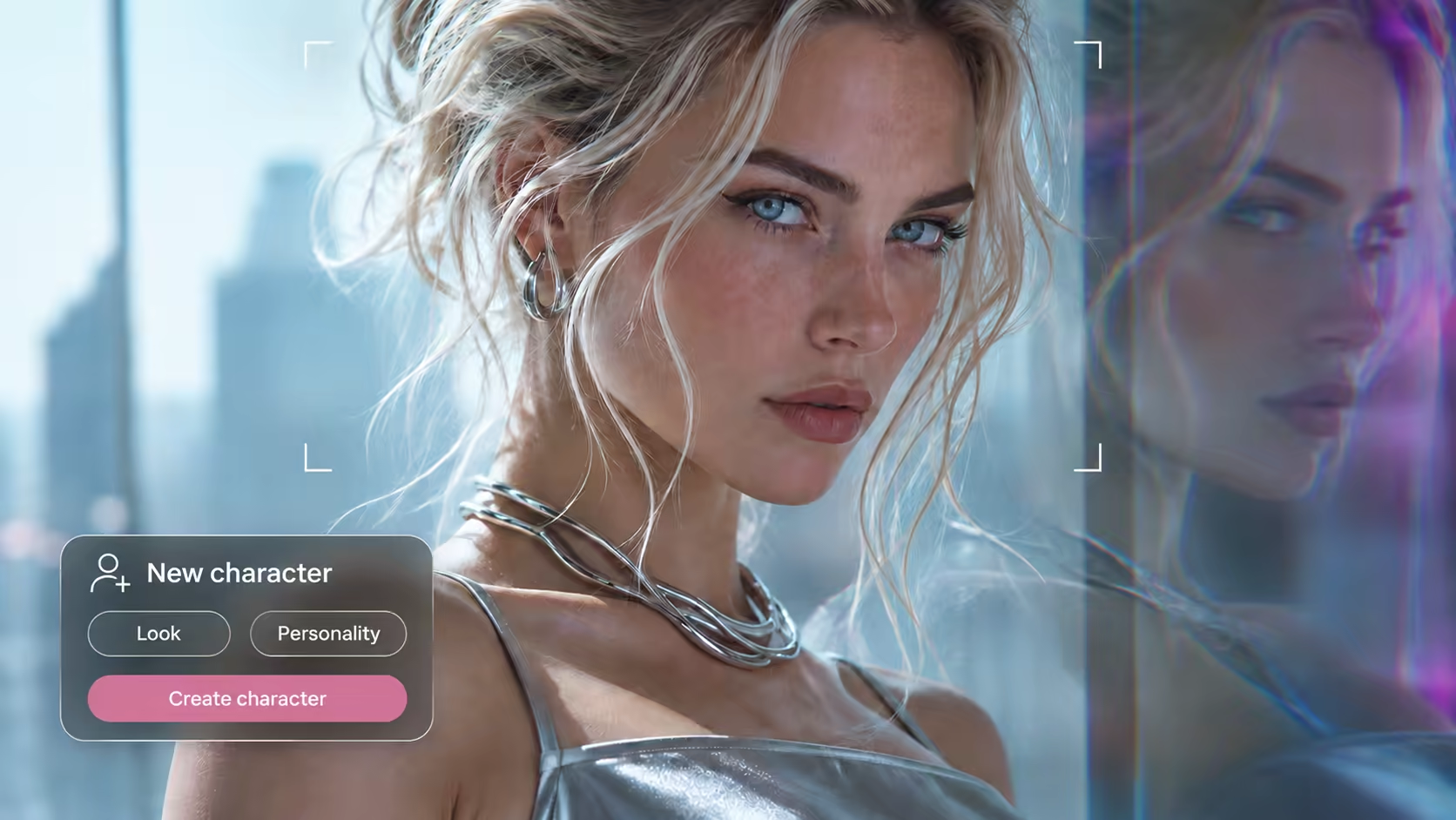
- Describe your character. Add your character’s name and write a prompt describing their personality, interests, and how they should speak to fans. These instructions guide the AI’s replies.
- Upload photos and videos. Upload not less then 15 high-quality photos and a few videos of your character. Joi will use this content to create your character’s avatar and generate photos and videos that fans can buy during chats.
- Generate your avatar. Start avatar generation in your creator dashboard. This may take some time, so wait until your avatar is ready before continuing.
- Submit for review. Once your profile, prompt, content, and avatar are ready, submit your character for moderation. The Joi team will check your submission and email you with approval or requested changes.
- Get your tracking links. After approval, follow the email instructions to activate your HasOffers partner account. You’ll find your personal tracking links there. Use only these links to bring fans to your character on Joi.
- Create promo and invite fans. Open Joi Studio in your creator dashboard to create free promotional photos and videos. Share them with your HasOffers tracking links.
Have a character in mind? Start your profile on Joi.