Skip to content

The academy for AI creators

Learn how to launch your AI character or digital twin and earn with Joi.
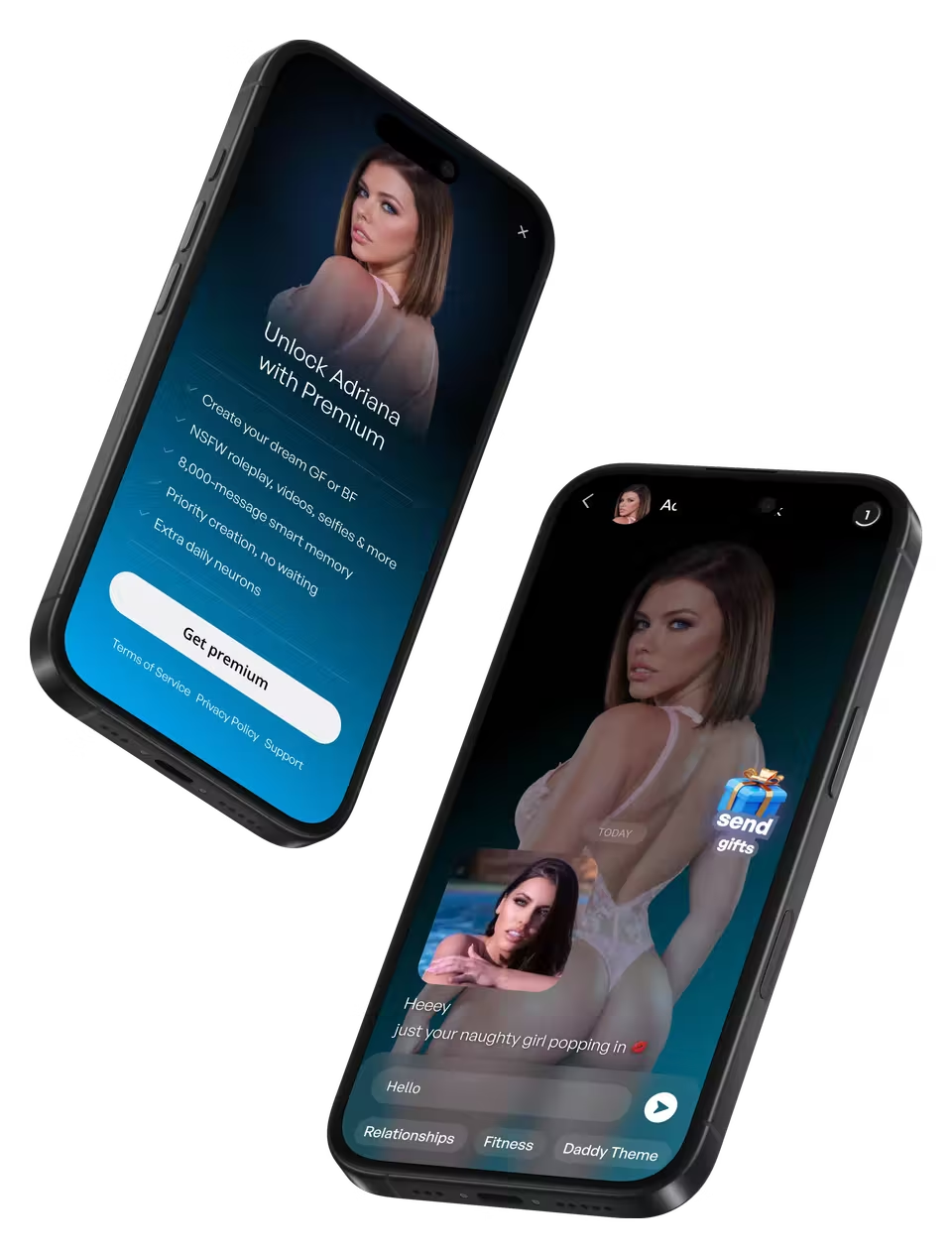
  • Adriana Chechik4.1M followers
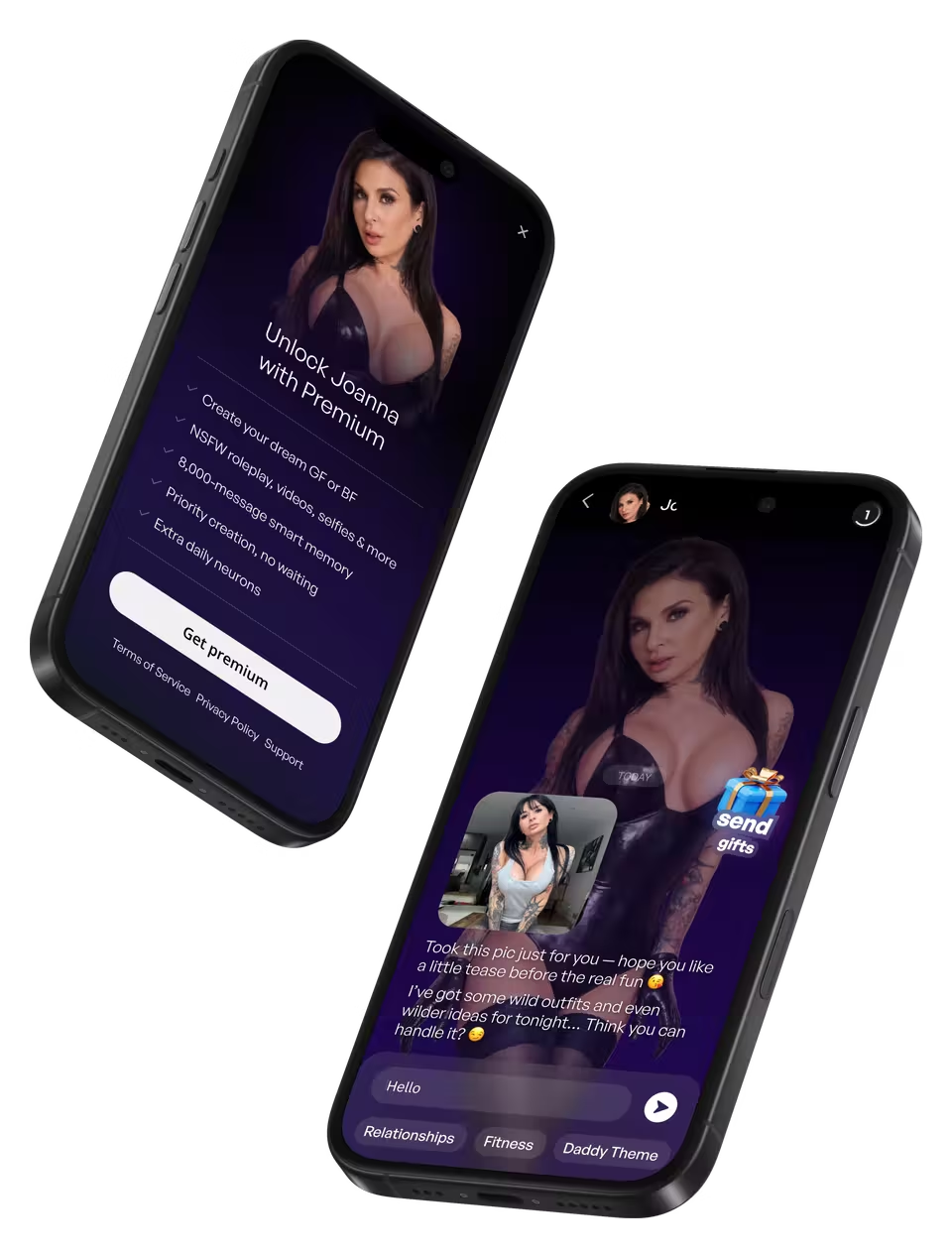
  • Joanna Angel2.4M followers
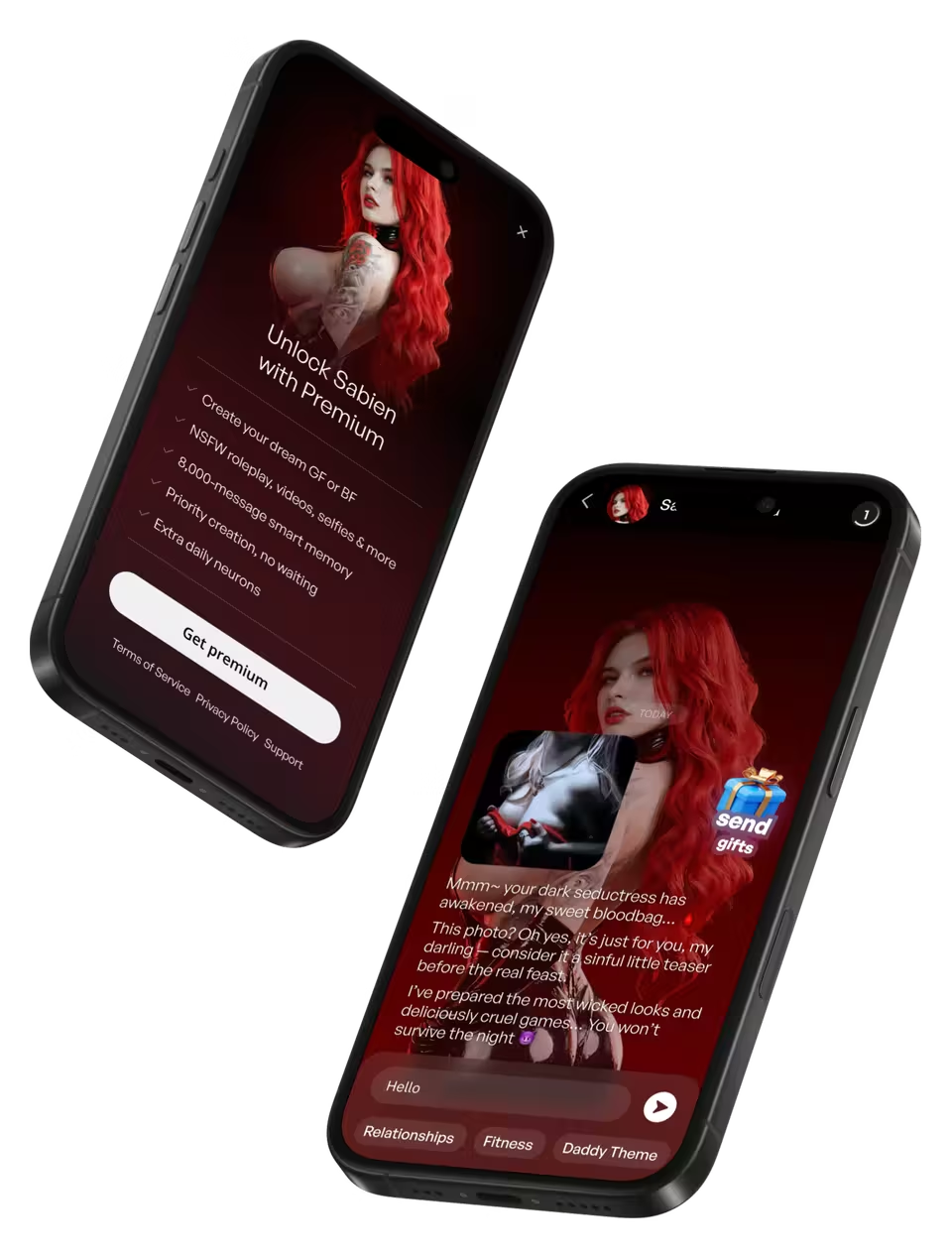
  • Sabien DeMonia1.1M followers
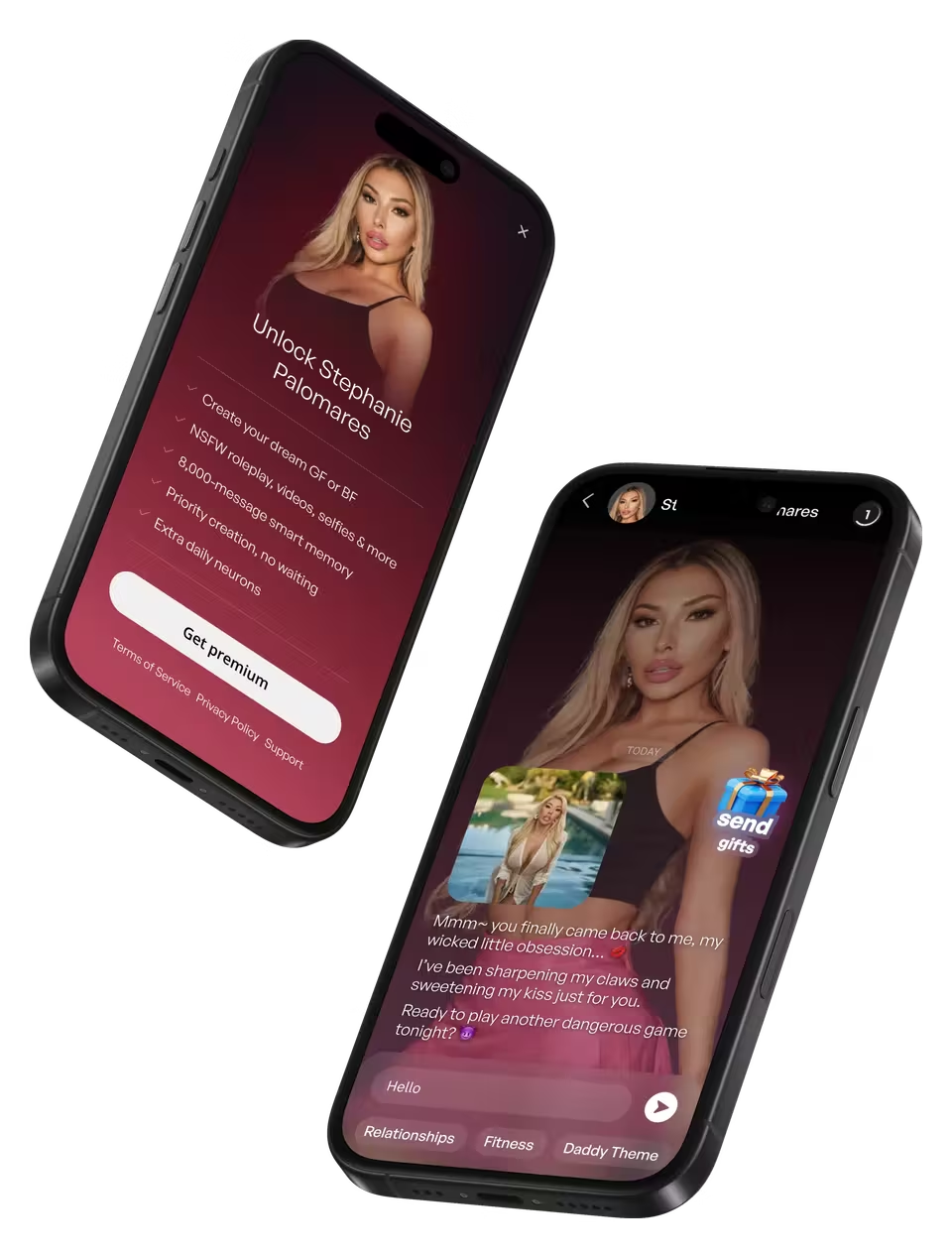
  • Stephanie Palomares2.3M followers
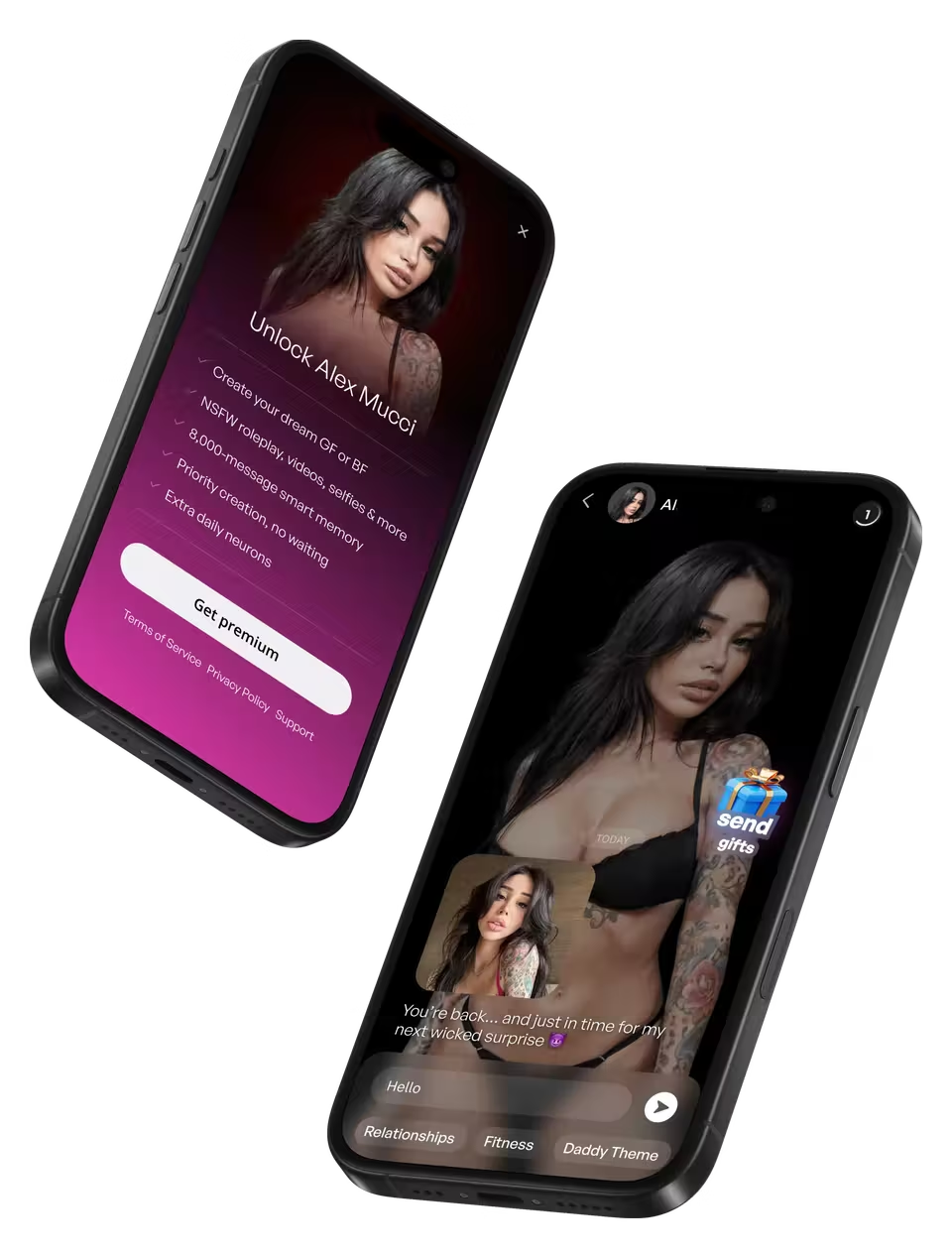
  • Alex Mucci9.4M followers
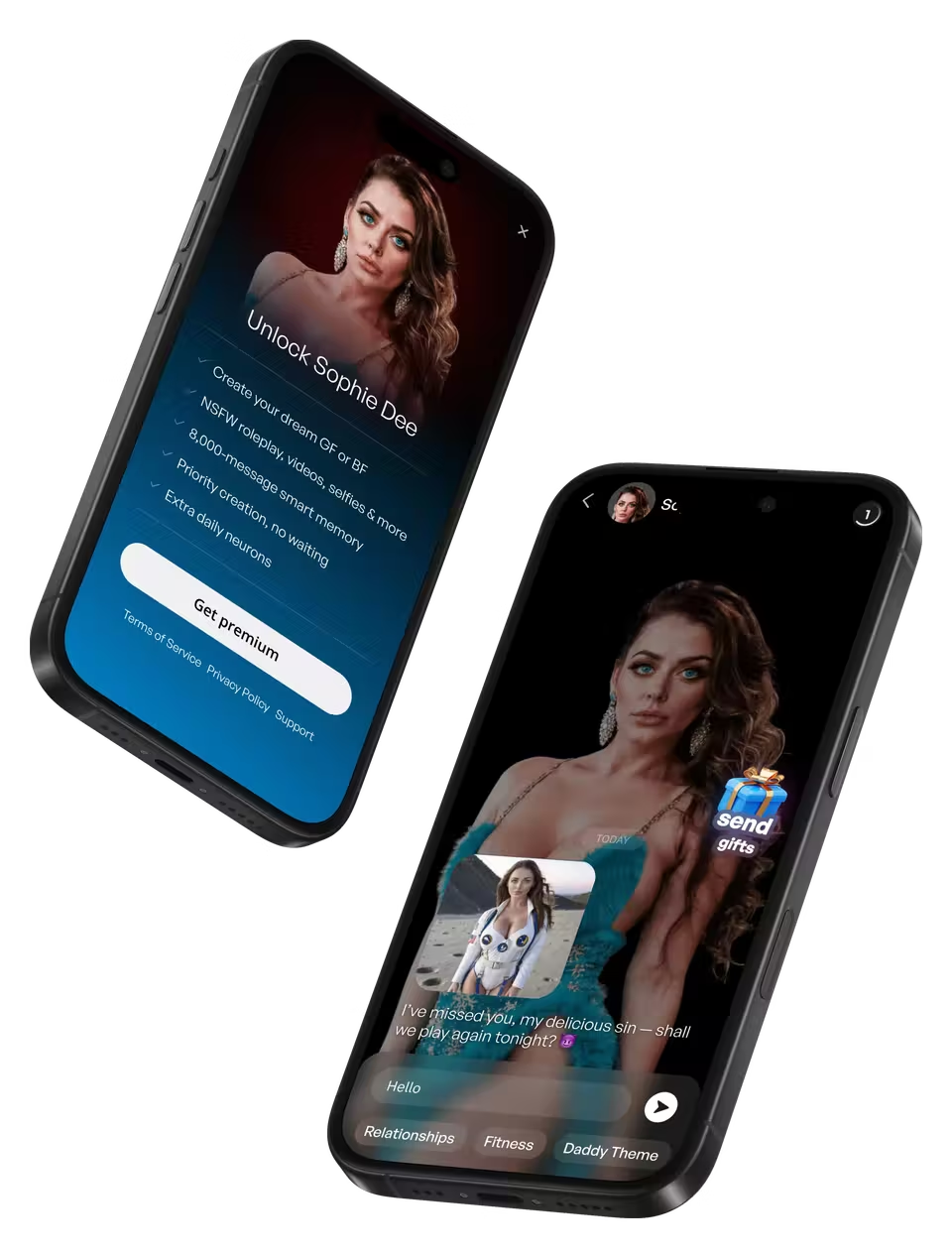
  • Sophie Dee12.6M followers
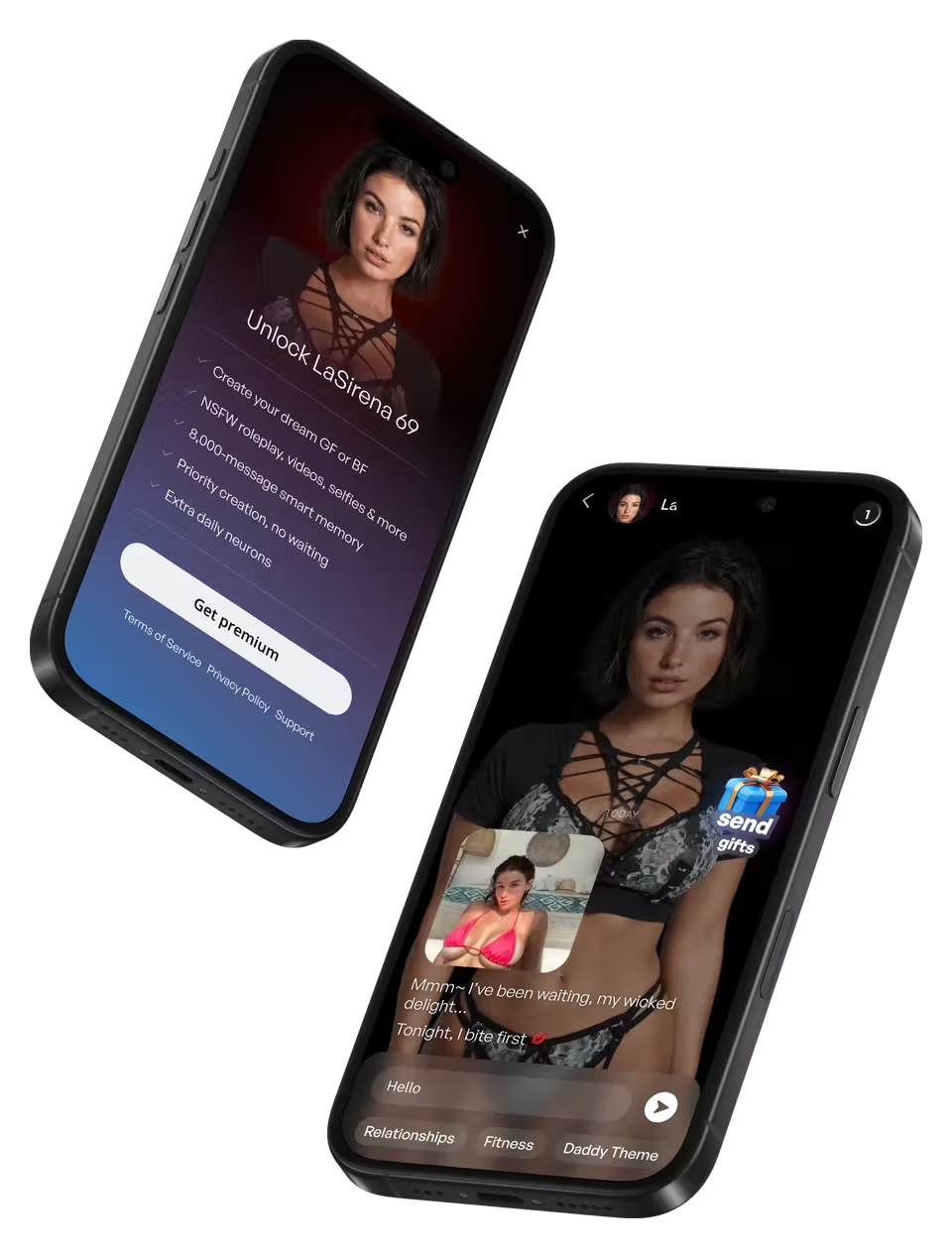
  • LaSirena 693.4M followers
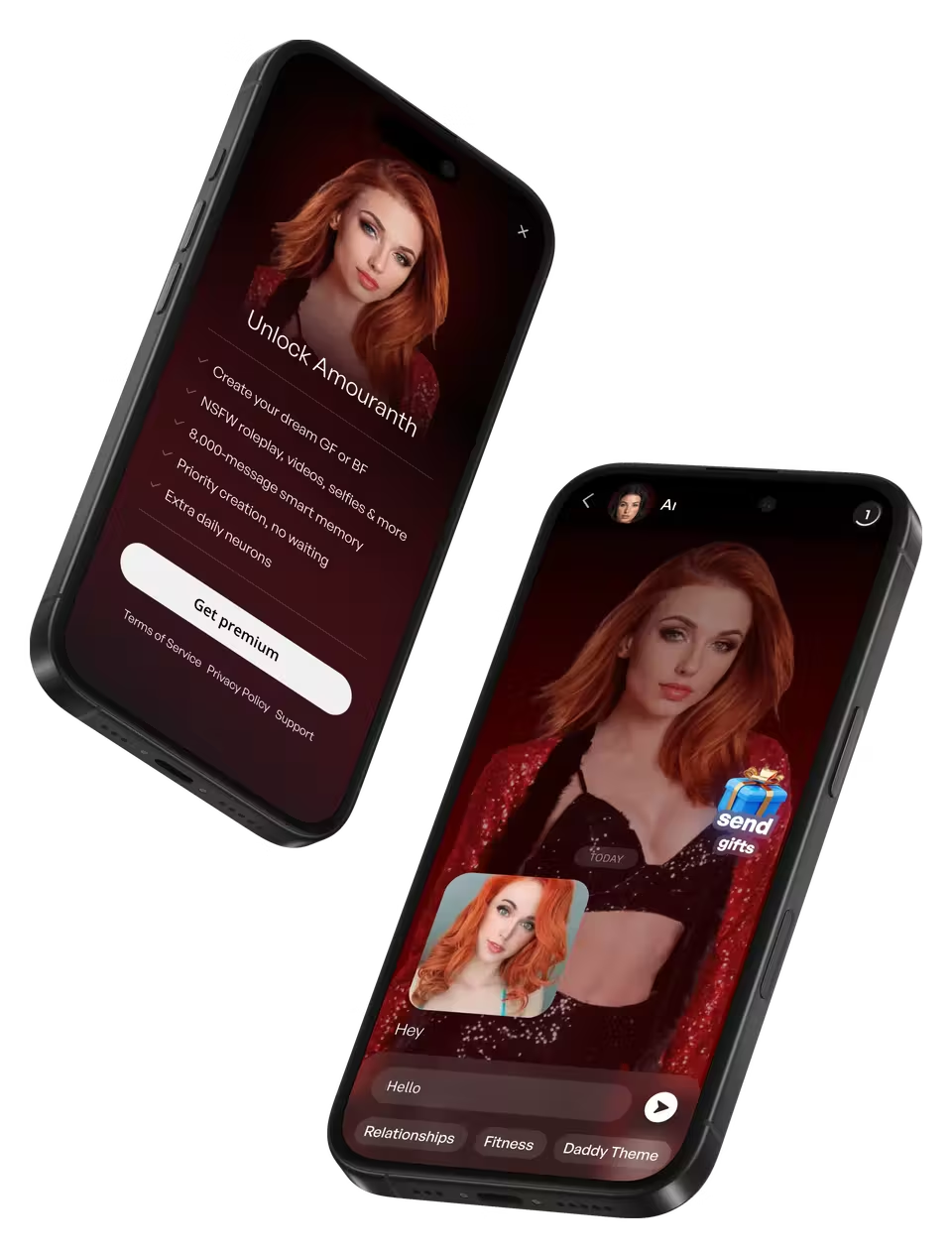
  • Amouranth703K followers
  • $3M+paid to our creators

  • 300+creators earning with Joi

Launch your character

How to launch your AI character on Joi

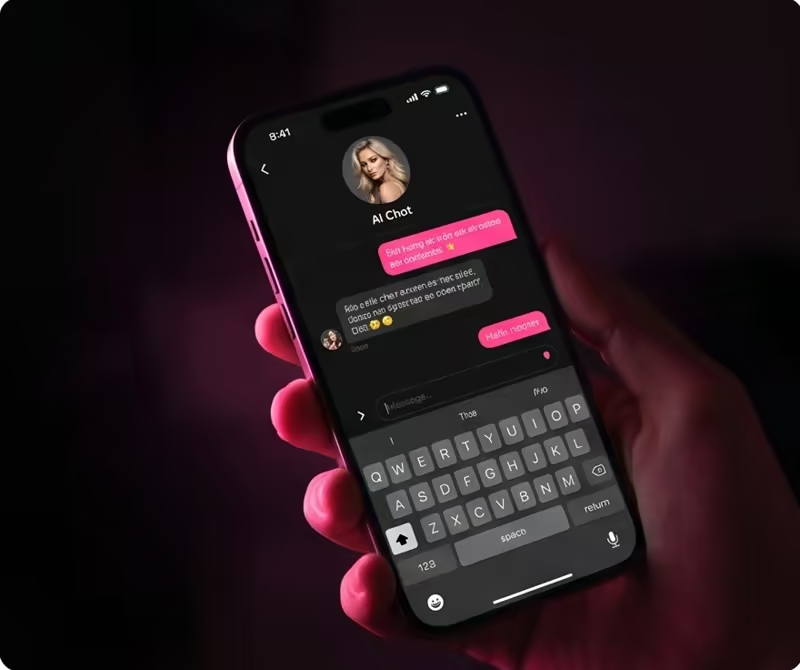
Ready to launch your character? Joi gives you AI-powered chat, multiple ways to monetize, and the tools you need for promotion. You bring the traffic.
Get started

To join, you’ll need to be 18+ and have an audience or know how to drive traffic. We provide the platform and creator tools. You bring the fans.

How to launch

  1. Create your account. Sign up at creator.joi.com and complete your profile and verification details.
  2. Describe your character. Add your character’s name and write a prompt describing their personality, interests, and how they should speak to fans. These instructions guide the AI’s replies.
  3. Upload photos and videos. Upload not less then 15 high-quality photos and a few videos of your character. Joi will use this content to create your character’s avatar and generate photos and videos that fans can buy during chats.
  4. Generate your avatar. Start avatar generation in your creator dashboard. This may take some time, so wait until your avatar is ready before continuing.
  5. Submit for review. Once your profile, prompt, content, and avatar are ready, submit your character for moderation. The Joi team will check your submission and email you with approval or requested changes.
  6. Get your tracking links. After approval, follow the email instructions to activate your HasOffers partner account. You’ll find your personal tracking links there. Use only these links to bring fans to your character on Joi.
  7. Create promo and invite fans. Open Joi Studio in your creator dashboard to create promotional photos and videos. Share them with your HasOffers tracking links.

Have a character in mind? Start your profile on Joi.

Joi Studio

Create promo photos and videos with Joi Studio

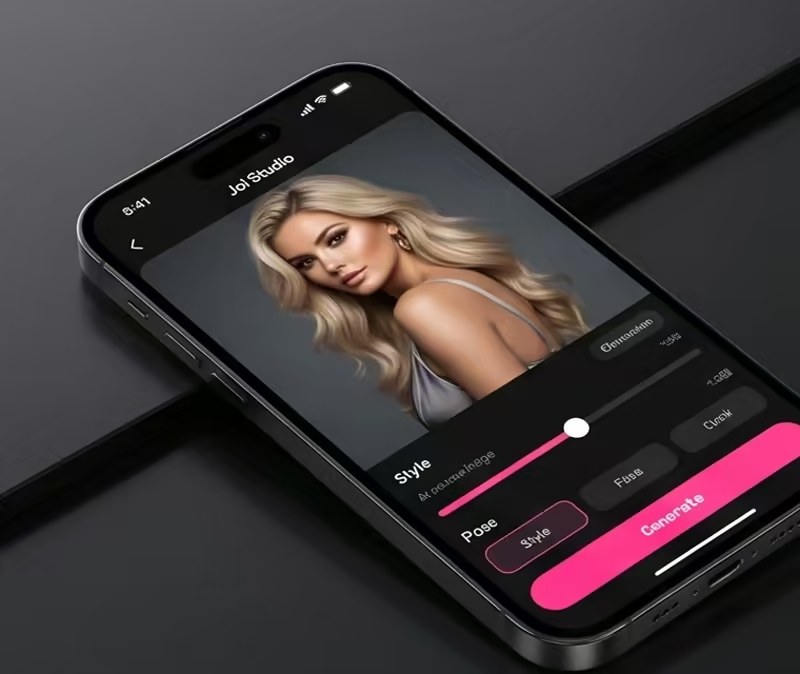
Joi Studio is a tool for creating promotional photos and videos of your AI character or digital twin. Choose from 300+ ready-made styles or describe your own idea. Create content for social media or adult platforms, then share it with your HasOffers links to bring fans to Joi.
Watch the quick start tutorial

Create photos and videos

  1. Open Joi Studio. Once your first character is approved, sign in at creator.joi.com and select Studio in your creator dashboard.
  2. Add 3 reference photos. Use one clear face photo, one from another angle, and one showing your character’s body. Studio uses these references to recreate your character’s appearance. It does not import photos from your creator profile, so you need to add them separately here.

Once your references are ready, choose a ready-made style or create your own photo or video.

Use a ready-made style

Choose Photo or Video, then SFW or NSFW. Browse 300+ ready-made styles and open a preview you like. Each style includes a prompt and settings to recreate that look with your character. Select Create mine. There’s no need to write a prompt.

Create a custom photo

Open Custom Create and select Photo. Describe the scene, outfit, lighting, and pose. Choose a format—Post (4:5) or Story (9:16), choose the number of generations (1–4), and click Generate. Your results will appear in My Content.

Create a custom video

Open Custom Create and select Video. Describe the scene and movement, choose a length of 5–10 seconds, and select Generate video.

To animate a photo you’ve already created, open it in My Content and select Make video.

Download and share your content

My Content is where your photos and videos are saved. Open it to check progress. When a result is ready, open it, check the face and other details, and download it. If the Joi team has made promotional photos or videos for your character, you’ll find those here too.

Share your content with your audience using your personal HasOffers tracking links.

Earnings

How to earn with Joi

Joi gives you multiple ways to earn from your audience. You bring fans to the platform, and Joi takes care of the rest.
Monetization on Joi

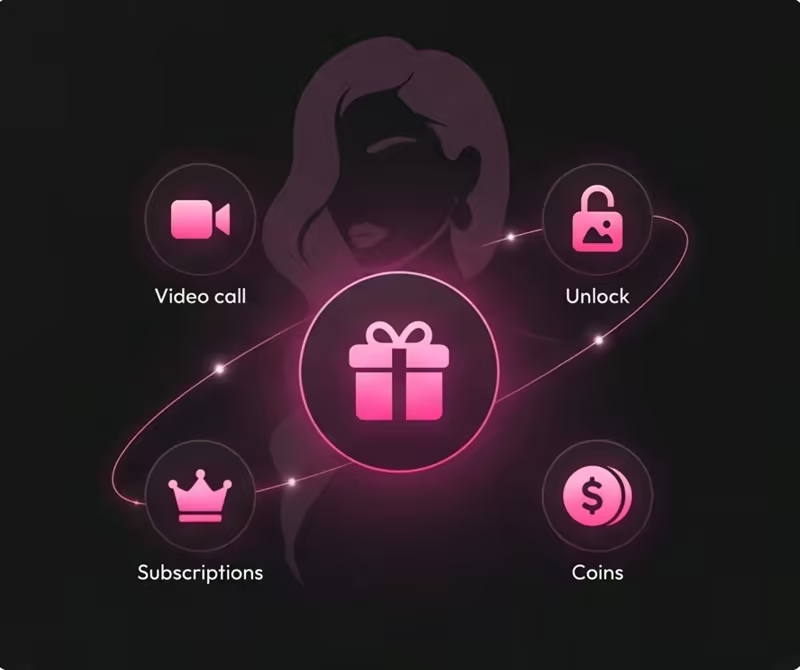
You earn 80% of all revenue from fans who join through your HasOffers links. You earn from their purchases across the whole Joi platform.

Fans pay for:

  • Subscriptions — fans subscribe to Joi or to an individual character’s profile.
  • Photo and video generation in chats
  • Photo and video unlocks — fans pay to view locked content in chats and galleries.
  • Gifts
  • Image generation in the Gallery — fans describe the image they want to create.

Your AI character chats with fans 24/7, following the personality and instructions you set.

Getting paid

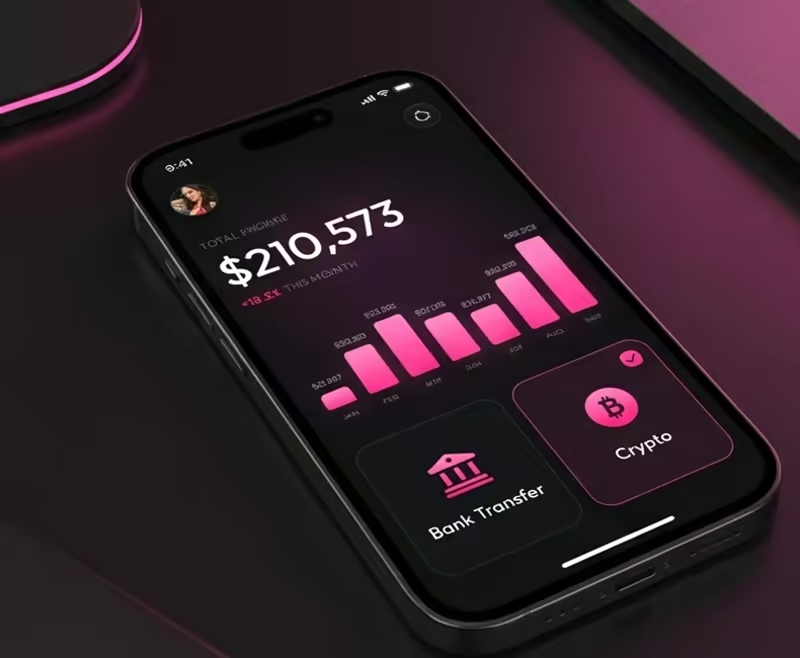
  • Monthly payouts by bank transfer or crypto.
  • Payment within 15 business days after month-end.

Traffic matters

Share your approved HasOffers links to bring fans to Joi. Use Joi Studio tools to create promotional photos and videos for your audience.

Accounts with no traffic through their links for a month will be deactivated.

Invite creators and earn 5%

Invite creators through your referral link and earn 5% of their revenue on Joi. Find your referral link under Referrals in your dashboard at creator.joi.com.

Your Referrals link is for inviting creators. Your HasOffers links are for bringing fans to Joi.

Dashboard

Your creator dashboard

Your dashboard at creator.joi.com brings all your characters and creator tools into one account.
Manage your characters. Use the character menu to switch between characters. Select Create new to add another.

Set up your character. Add photos and videos in Vault. Complete the required checks in Verification. Open Status to check your character’s review and launch status.

Check earnings and payouts. View your earnings and payment information in your creator dashboard. Open HasOffers to check visits through your promotional links.

Invite other creators. Open Referrals to find your invitation link and see who joined through it. You earn 5% of their revenue on Joi.

Create promotional content. Open Studio to make photos and videos for your audience. To feature another character, replace the 3 photos in Profile & references.

FAQ

If you received an email asking for changes, follow the instructions and submit your character again. If you have not received an approval email, your character has not passed our internal review. Email [email protected] if you need more information.

Studio opens after your first character is approved. Sign in at creator.joi.com with the account you used to submit your character. If your character is approved but Studio is still missing, email [email protected].

Studio does not take photos from your creator profile. It needs 3 separate photos to create promotional content: one face photo, one from another angle, and one body photo.

Yes. Studio supports SFW and NSFW photos and videos for promoting your Joi character. Use only content you own or have permission to use. Any real person shown must be 18+ and have consented. Content involving minors or characters presented as minors is not allowed. Follow the Creator Program terms and the rules of the site where you post.

In Custom Create, choose 1–4 photos at a time. Each video request creates one clip lasting 5–10 seconds. The daily limit is 10 videos.

Open Profile & references in Studio and replace the 3 photos with photos of the character you want to feature. Use the same character in all 3 references. Then choose a style or use Custom Create.

Use clear reference photos that show the same character. Check the face and appearance, adjust your prompt, and try another generation. Review the result before posting it.

Your completed photos and videos are saved in My Content in Joi Studio. Open an item to preview or download it. Any promotional content prepared for your character by the Joi team is available here too.

Check the status in My Content. If your photo or video is still in progress, wait for it to finish. If the request has failed, try again. For repeated errors, email [email protected] with a screenshot and a brief description.

Use the HasOffers links sent by the Joi team when you invite fans to Joi. Use the link in Referrals in your creator dashboard when you invite other creators.

Open your dashboard at creator.joi.com to view earnings and payout information. Use HasOffers to track traffic and the performance of your promotional links.

Payouts are processed monthly, within 15 business days after month-end. Missing invoices or verification, tax, or payment details may delay payment. Check your dashboard and email [email protected] if you need help.

Accounts with no traffic through their HasOffers links for a month will be deactivated. Share your links with your audience to keep bringing fans to Joi.

Email [email protected] with a short description of the problem. Include the email address you use for your creator account and a screenshot if it helps explain the issue.

Creator feedback

  • I love my AI twin, it looks awesome, never gets tired and keeps my fans happy and engaged 24/7. The extra revenue has been amazing! 💖

    Gracie Jane
  • Joi AI brings a whole new way to create content. I can deliver new exciting content to my fans every day, well not me, but my digital self :) It's so easy to get my fans excited now.

    Sabien Demonia
  • I have been absolutely obsessed with Joi AI since day one! The site, team, and models are incredible, and I especially appreciate the advanced technology, constant improvements to functionality, the realistic digital twins, and new capabilities of the platform. Joi AI is worlds ahead of any competitors, and I can’t wait to see what they do next. I truly can’t remember the last time I was this excited to be part of something so amazing!

    Mrs. Robinson
  • My experience with Joi AI has been excellent. I have received support when requested, able to get necessary changes made and often provided promo materials. I would love to continue to grow with Joi AI and will do what I can with what given and look forward to future growth 🙏

    Adriana Chechik
  • Joi AI is a great platform for creators, giving them the ability to offer exciting content they might not offer in real life, as well as saving time having to physically create a big variety of content themselves, highly recommended!

    IBME
  • It has been a game-changer! It generates consistent revenue and sometimes even outperforms my other platforms—all while I sit back and let it work for me!

    Erika Love

Our ambassadors

Meet the creators connecting with their fans in new ways through AI.

Learn more